When a request is submitted, a ticket number will be assigned to you, allowing you to track the status of the case.
The available channels for opening a support case are:
1. Support Portal
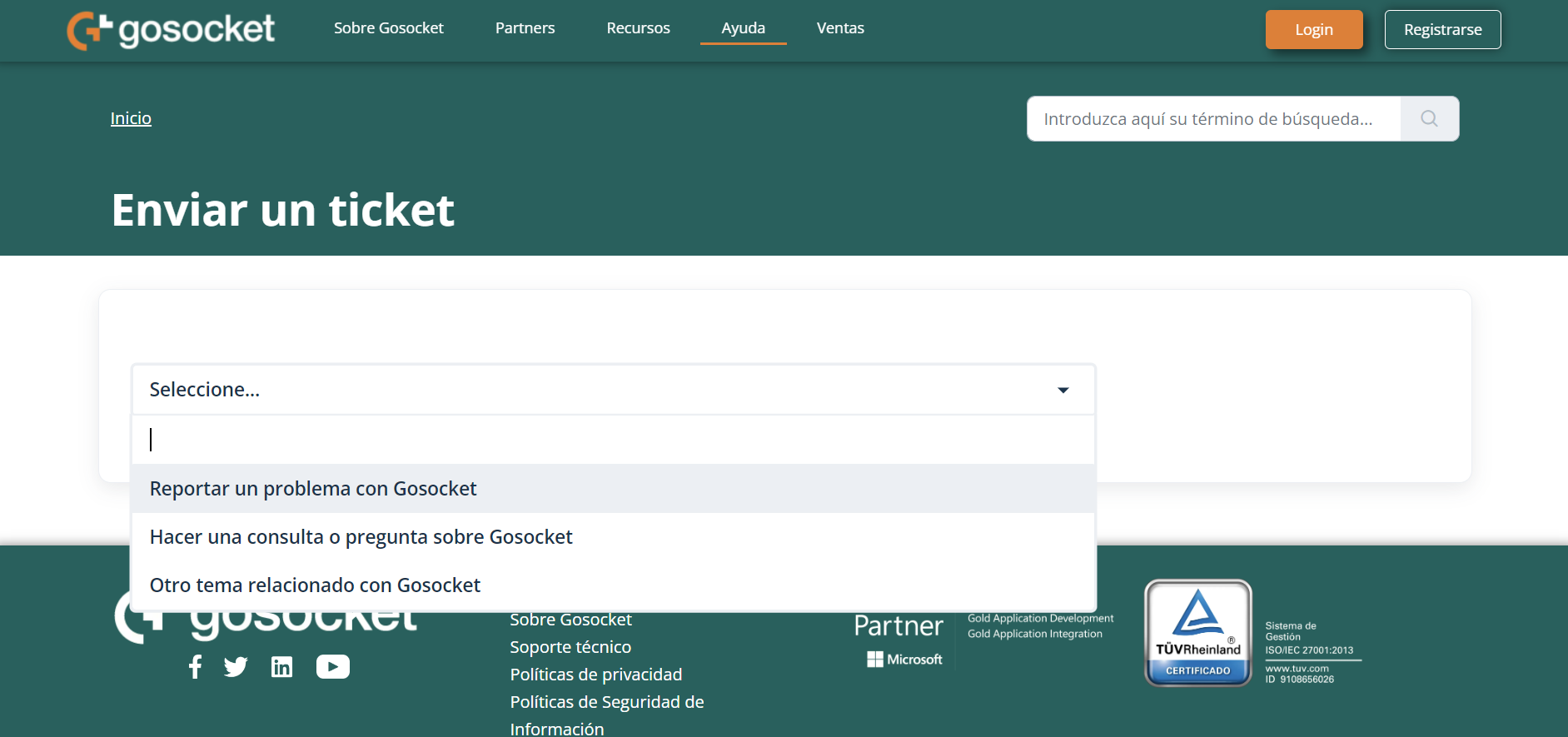
You can open a support case using the form available in the Support Portal by accessing the following link, clicking on the "Request Help" (Solicitar Ayuda) button: https://gosocket-ayuda.freshdesk.com/es/support/tickets/new
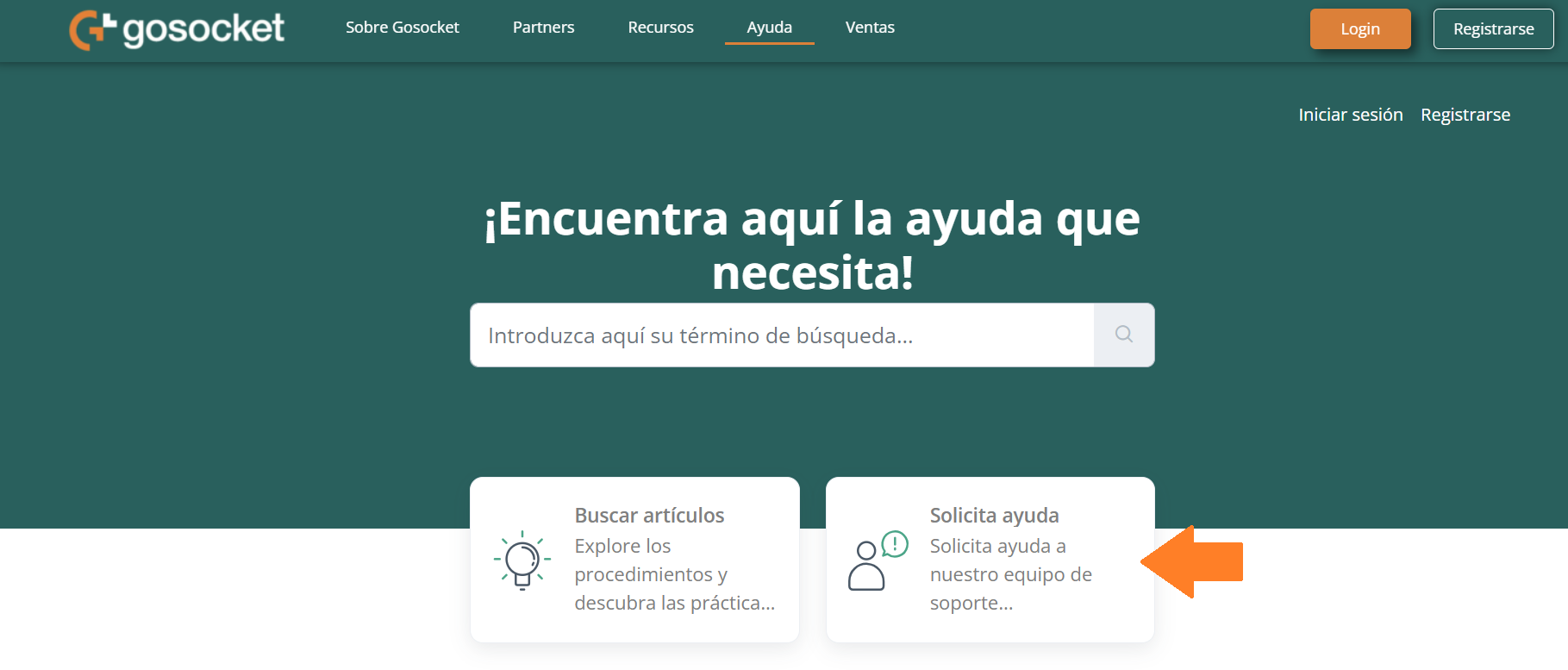
- Report a problem (Reportar un problema en Gosocket)
- Submit a query or ask Gosocket (Hacer una consulta o pregunta sobre Gosocket)
- Other reason (Otro tema relacionado con Gosocket)
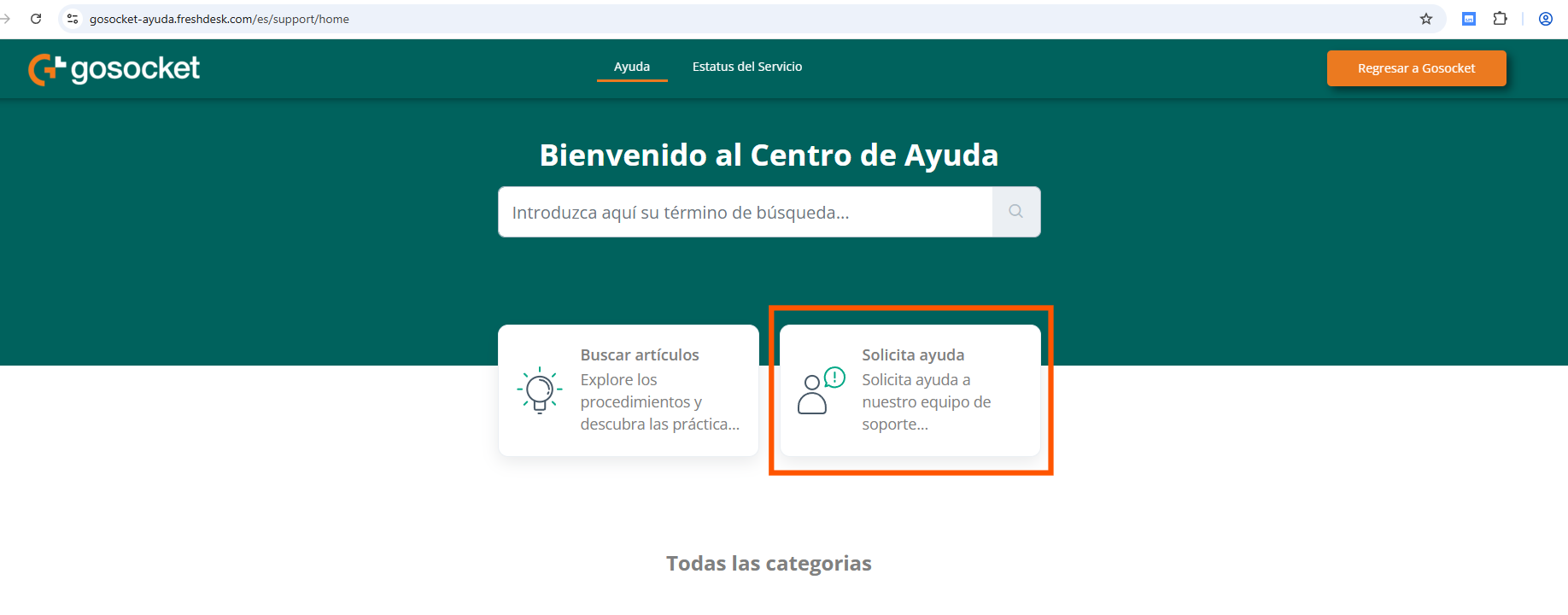
Note: If you already have access credentials and have logged into the portal to create a ticket for the Support department, you must click the “Request Assistance” (Solicita ayuda) button and follow the steps previously indicated.
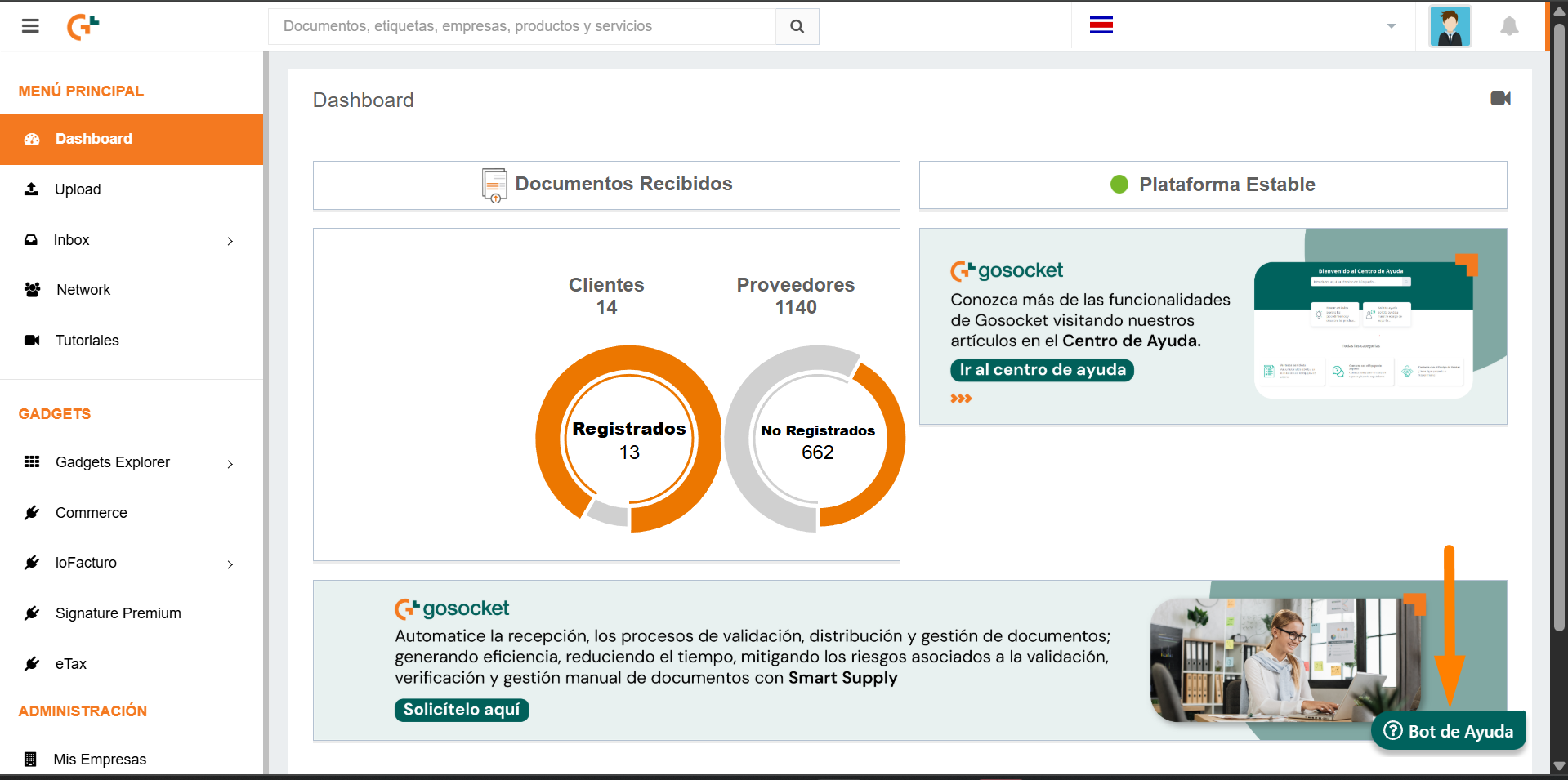
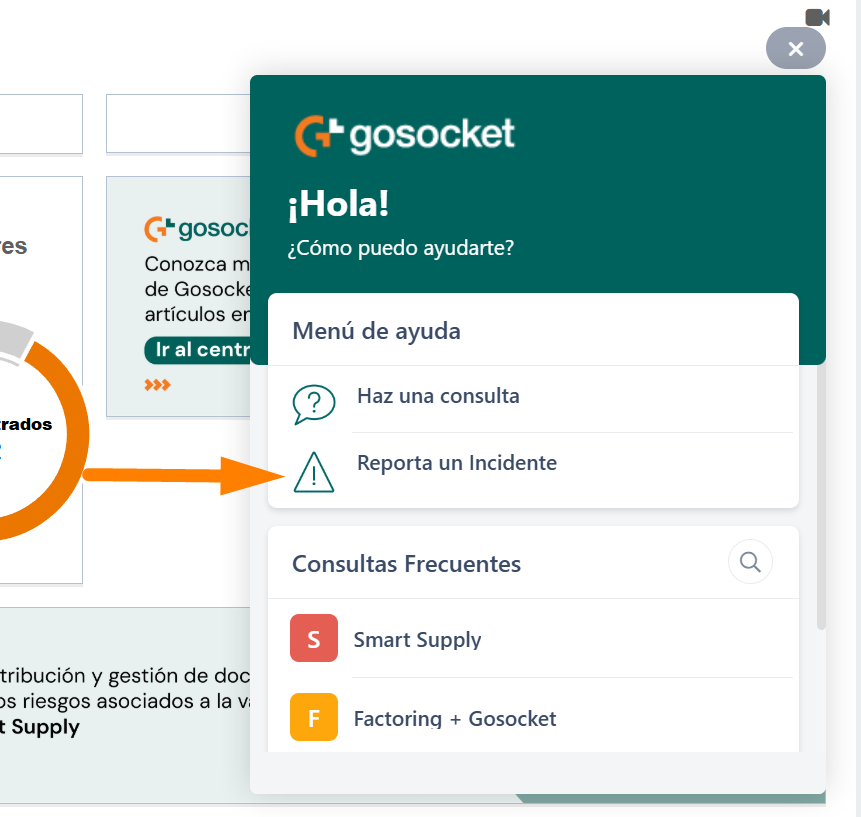
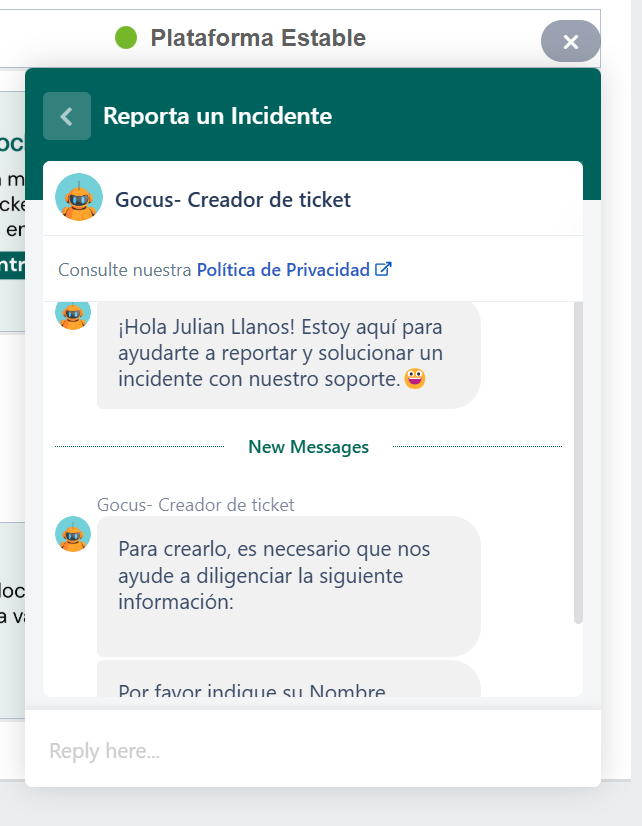
At the end of the interaction with the Bot, it will assign you a ticket number, which will also be sent to the email address provided during the conversation.
Although it is not required to open a ticket, if you or your company wish to track all the cases registered throughout time, it is recommended to Register in the Support Portal. Please note that the Support Portal uses a username and password that are different from those of the Gosocket Portal.
Was this article helpful?
That’s Great!
Thank you for your feedback
Sorry! We couldn't be helpful
Thank you for your feedback
Feedback sent
We appreciate your effort and will try to fix the article


