1. Access to the Platform
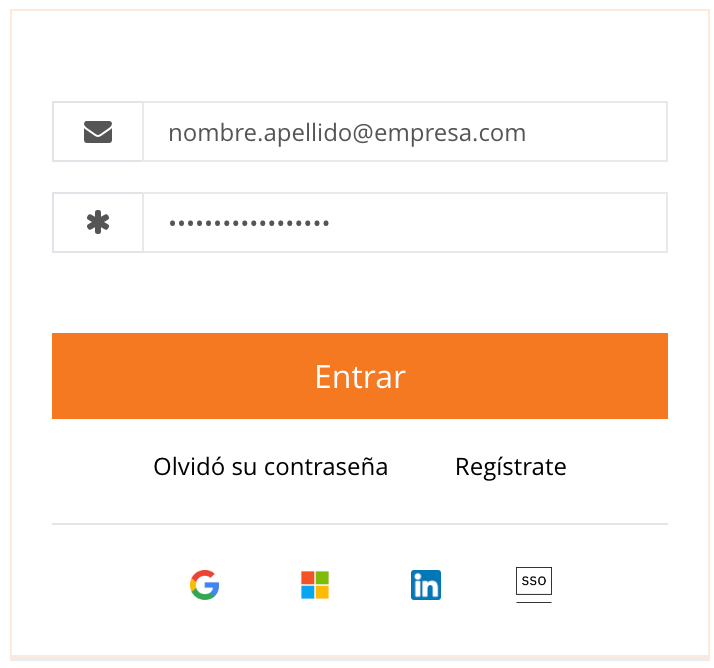
The user must log in to www.gosocket.net using their authorized credentials. Click on the Login button located in the upper-right corner of the screen, entering the corresponding access credentials.
2. Navigating to the Suppliers Section
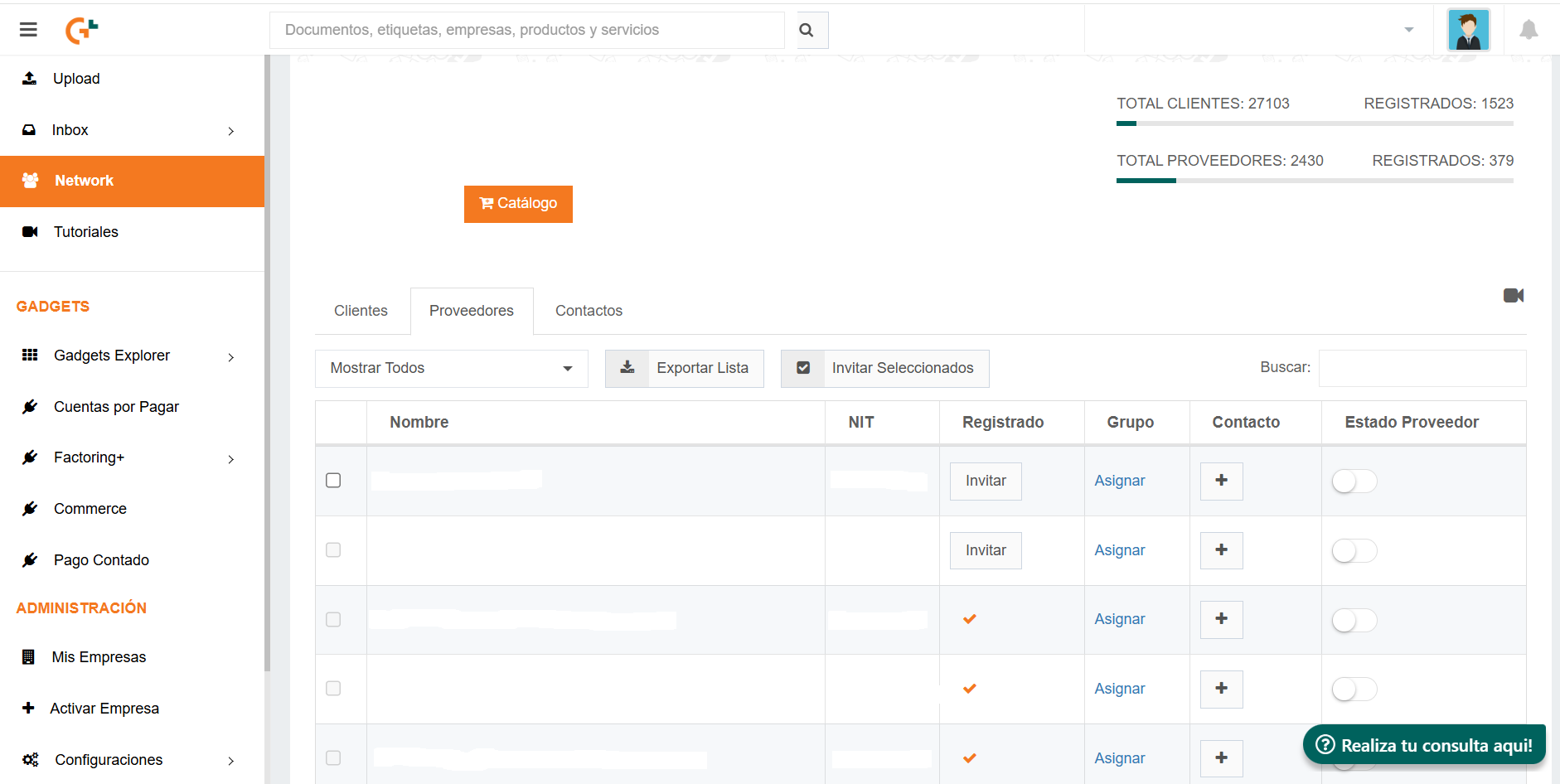
In the left-side navigation bar, the user must go to Network → Suppliers (Network → Proveedores). In this section, the system displays a list of suppliers who are either already registered or have interacted with the system without completing registration. Each supplier’s status can be identified as follows:
- Registered suppliers: displayed with an orange verification check (Check naranja).
- Unregistered suppliers: can be invited using the Invite button (Invitar).
Invitation options
- Individual invitation
- Locate the supplier using the corresponding filter, such as NIT or Tax ID.
- Click the Invite button (Invitar).
- Enter the supplier’s email address.
- Repeat the process if the invitation should be sent to multiple email addresses.
- If the supplier is not listed, the user may manually create it using Add Supplier (Agregar Proveedor) and then send the invitation through the Send option (Enviar).
- Multiple invitations
- In the supplier list, select multiple records using the checkbox located to the left of each name.
- Click Invite Selected (Invitar seleccionados”).
- The system will automatically send the invitations to each supplier’s primary email address.
- Bulk invitation using a CSV file
Download and complete the template, ensuring the following fields are included (fields marked with * are mandatory):
Tax ID* | Name* | Description | Address | City | Province | Phone | Fax | Email* | Groups | Notify*In the Notify column, the values must be entered as follows:
- 1 to send the invitation.
- 0 if the invitation should not be sent yet.
Access to Bulk Add Suppliers (Agregar Proveedores Masivo), upload the completed .csv file, and click Process File (Procesar archivo).
Invitation Delivery
Once the process is completed, each supplier will receive an email containing a unique activation code, which must be entered during their registration on the Gosocket platform.
Video
Was this article helpful?
That’s Great!
Thank you for your feedback
Sorry! We couldn't be helpful
Thank you for your feedback
Feedback sent
We appreciate your effort and will try to fix the article


